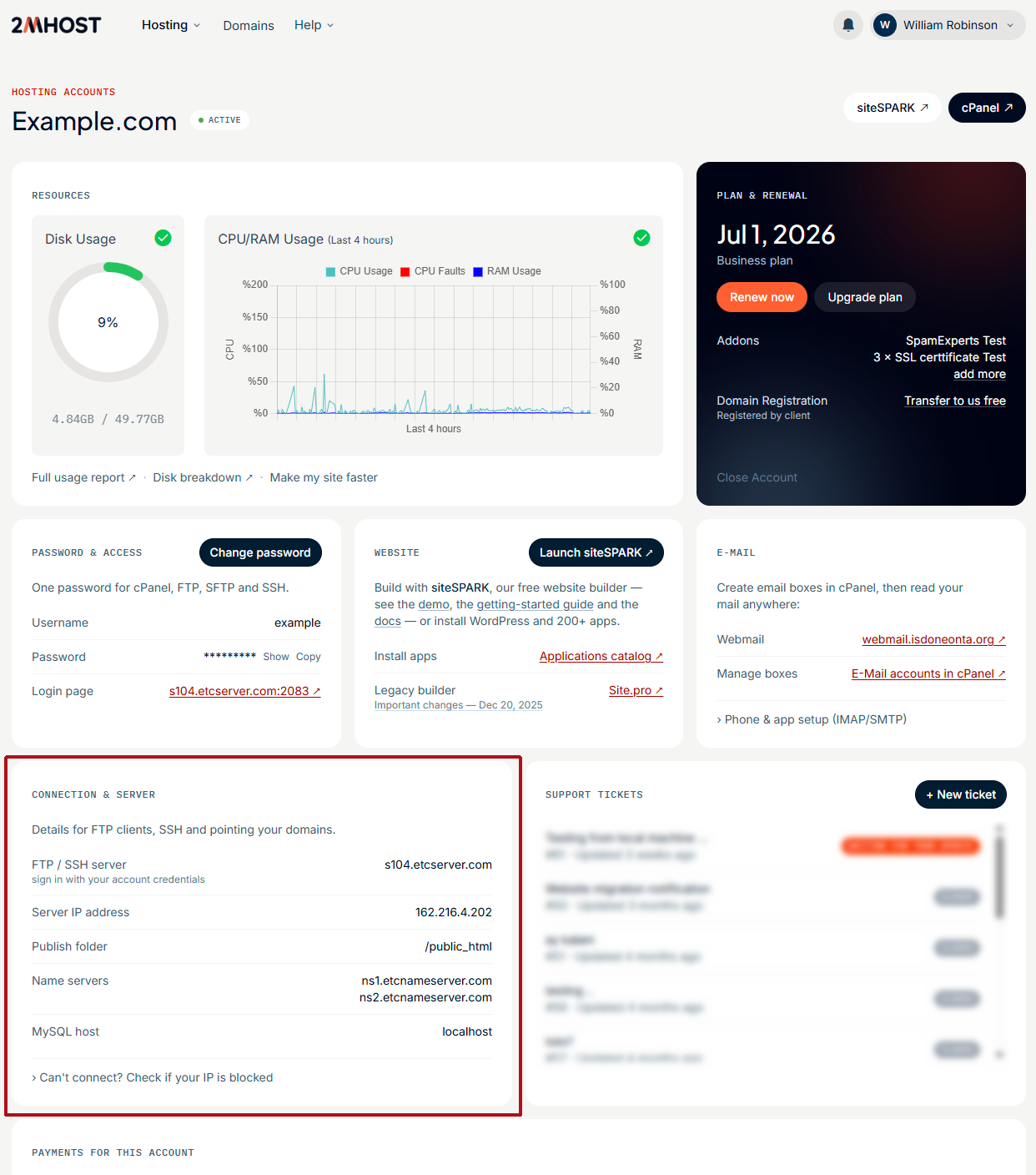
Your server hostname and IP address are on the Connection & server card of your hosting account in the 2MHost client area.
The server hostname is the name of the 2MHost server that runs your hosting account. You need it, or the server IP address, in some advanced cases, such as setting up a mail app or connecting to your MySQL database from another computer.
Find the server hostname in the client area
The 2MHost client area shows the server details for each hosting account.
- Log in to the client area at https://www.2mhost.com/login.
- Click Hosting accounts in the main menu.
- Open the hosting account you need by clicking on its domain name.
- Find the Connection & server card. It shows the server hostname and IP address.
The screenshot below shows the Connection & server card.